Join the thousands of people who sign up for MiFinity eWallet every day and take your first steps towards secure online payments.
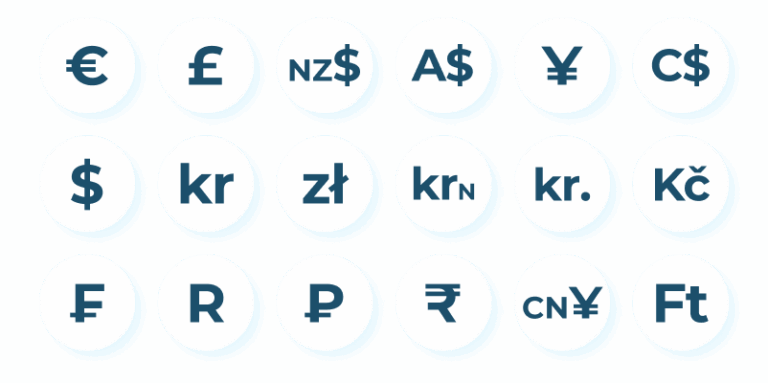
When you join MiFinity, you can create up to 9 eWallets, selecting from 18 available currencies. Choose the eWallet setup that suits your payment needs
1
Click ‘Sign Up For Free’ or download the app
2
Complete the quick and easy sign up process
3
Add funds to your eWallet and manage online
How Does the MiFinity eWallet Work?
Learn how to sign up for your free MiFinity eWallet, and make your first deposit, by watching the short video below.
Why Choose a MiFinity eWallet?
Easy Sign Up
Set up your eWallet in seconds
Languages
Choose from 21 available languages
Multiple Wallets
Hold up to 9 multi-currency eWallets
Local Payments
Choose from 80+ local payment methods to fund your eWallet
Withdrawals
Withdraw money from your eWallet directly to your card or bank account
Security
Industry leading security features protect you and your money
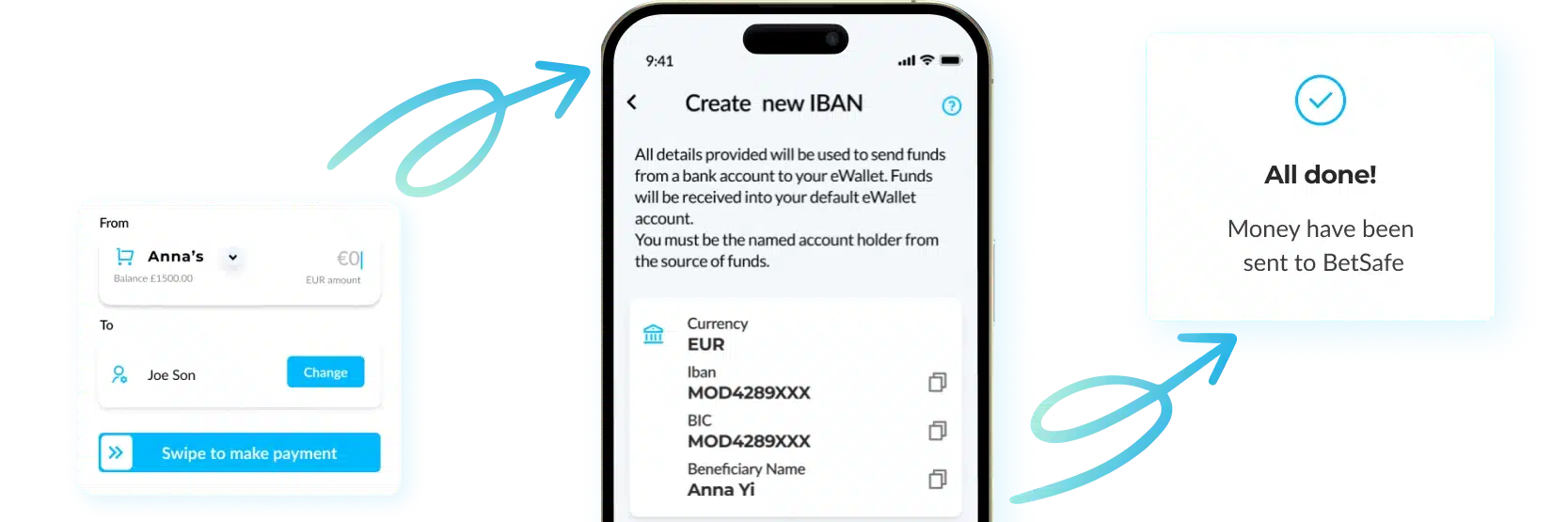
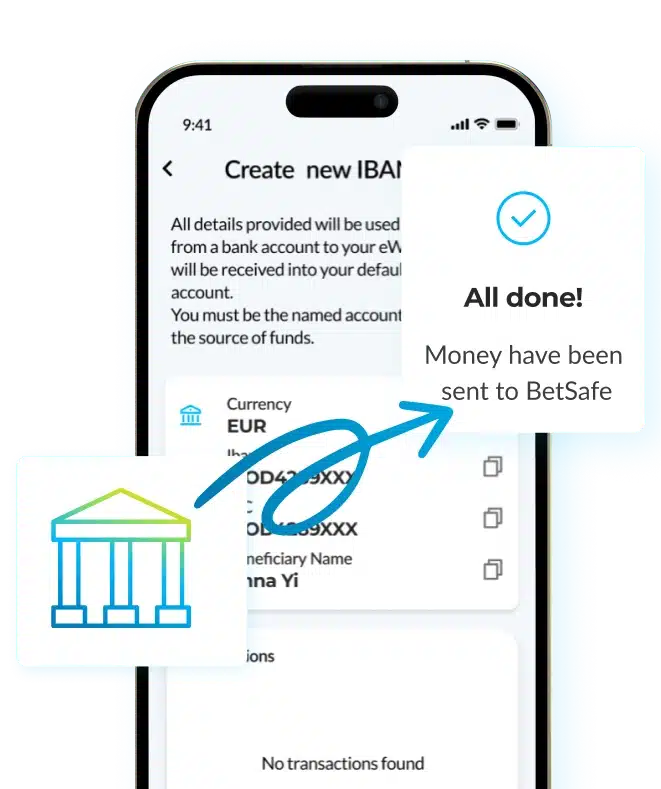
MiFinity Virtual IBAN
Verified MiFinity customers in the EEA and UK can have a free Virtual IBAN linked to their account, allowing them to top up their eWallet from any IBAN enabled bank account with ZERO FEES!
Supported Payment Methods
MiFinity eWallet
Supported Currencies
When you sign up with MiFinity, you can create up to 9 e-wallets and choose from 18 available currencies. Select the e-wallet configuration that best suits your payment needs
Frequently Asked Questions
Does MiFinity ewallet have a mobile app?
Yes, the MiFinity eWallet app is available for free on both Android and iOS devices. It’s fast, secure, and convenient way to manage your money on the go – anytime, anywhere.
With the MiFinity app, you can send and receive money instantly, top up your wallet, add funds to your wallet, keep track of your transactions, manage multiple currencies, and even access features like Virtual IBANs – all directly from your phone.
What are the benefits of using MiFinity eWallet for online payments and transactions?
With the MiFinity app, you can send and receive money instantly, top up your wallet, add funds to your wallet, keep track of your transactions, manage use multiple currencies, and even access features like Virtual IBANs – all directly from your phone.
What should I do if my withdrawal is delayed?
If the withdrawal from your MiFinity eWallet is delayed, start by checking if your bank account is fully verified and that all payment details are correct. While most withdrawals are processed quickly, delays can happen due to bank processing times or additional verification checks.
If it’s been longer than expected, contact MiFinity support with your transaction details and we’ll be happy to help.
Are there limits on how much I can deposit or withdraw with MiFinity?
Yes, there are some limits on how much money you can deposit or withdraw with when using MiFinity. These limits vary depending on several factors such as your account verification status, the payment method used, and the country you’re in.
Once verified, users can enjoy higher transaction limits. To view your specific deposit and withdrawal limits, log into your MiFinity account and check the “Limits” section under your account settings. Higher limits can be enjoyed once completing full verification will be the solution.
Where can I find more information about MiFinity’s fees and limits?
Everything you need is on our Fees page on the MiFinity website. It gives you a clear breakdown of transaction fees, currency conversions, deposit and withdrawal limits, and any charges that may apply depending on your payment method or account type.
Just head to the MiFinity website and look for Fees in the footer.